Gmail is fighting for your morning brief
Its “AI Inbox” starts with what needs your attention, not just what arrived.
I recently wrote about letting my personal assistant go through my inbox and give me digests of what I should care about, while leaving the rest unread.
Inbox management has been front and center for personal agents, since OpenClaw came out.
Well, Google isn’t sitting idle.
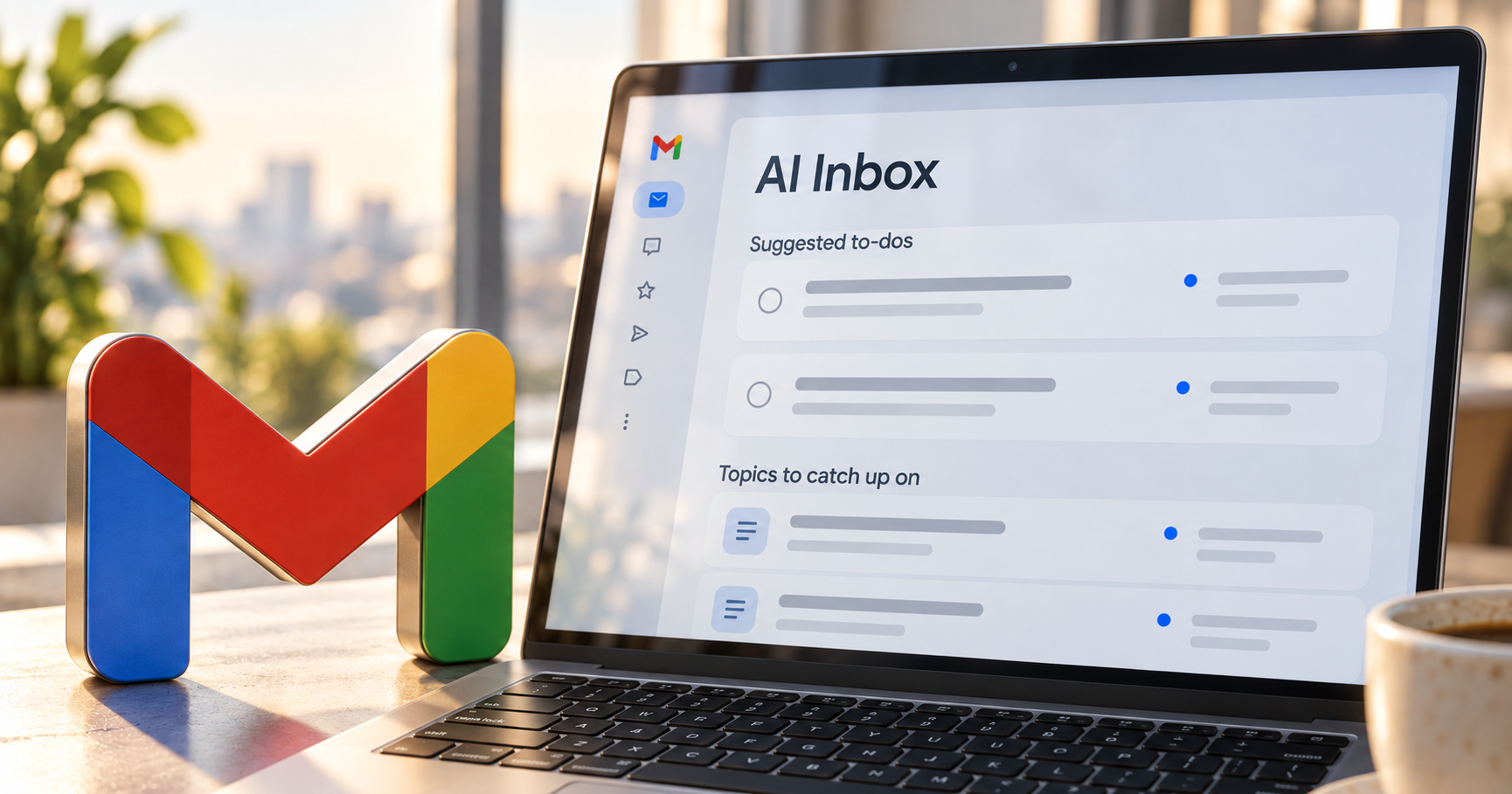
AI Inbox first appeared earlier this year. It’s a separate view in Gmail with two sections:
- Suggested to-dos: actions and deadlines pulled from your emails.
- Topics to catch up on: summaries of updates spread across conversations.
You still get your normal inbox, but AI Inbox gives you somewhere to start beyond a pile of unread messages.
It only surfaces information from your Primary tab, excluding archived, snoozed and muted messages. Attachments aren’t supported either. You can reply to emails from there, mark to-dos as done, and mark topic emails as read. It gives you a starting point, while leaving you to handle the work.
The Workspace rollout is gradual, US-only for now, and limited to English (US).
Oh, and you need to use Gmail on the web, or the app, obviously (I don’t).
I’m curious to see whether its summaries pick out the information you actually care about. You can already give positive or negative feedback, and Google says it uses signals such as “who you email frequently” to identify important contacts.
Time will tell, but it’s a pretty neat feature to bring more personalization to one of the most widely used business email platforms.
If you’d like help setting up an assistant that surfaces what matters and save you time, let’s talk.