I hired a personal painter
Turns out she lives in my sidebar
Substack allows to add a cover image for the posts you write, so I have started adding a bit of life to my articles.
After using Nano Banana 2 for a couple months, I switched to GPT Images 2 because:
- Quality is equivalent or higher
- I don’t have to leave the page to work on the image (courtesy ChatGPT Atlas)
For yesterday post about keeping up with AI, the process was the same:
- Write the post
- Proofread/fix broken english or heavy sentences with my (need I say AI?) assistant
- Open the sidebar and use my prompt template
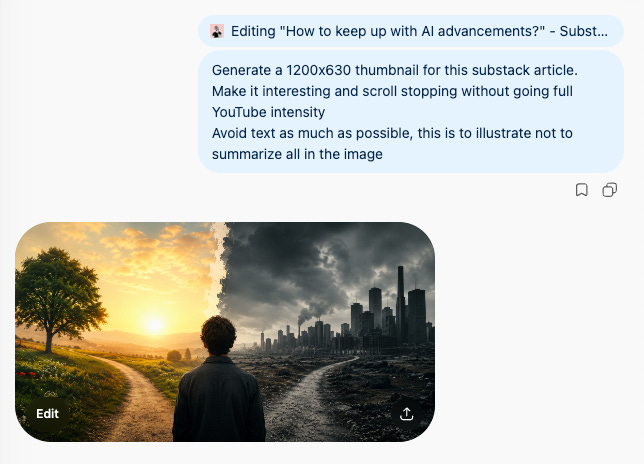
This first shot was far from satisfactory, so I gave a very thorough feedback:
i dont see the link between the image and the article
Which gave:
- - Caption: I really don’t really see how the skyscrapers skyline and sunset illustrate AI but maybe I lack imagination Still confused, I gave it the full article, again - the whole point of sidebar chat is for it to access the current page content, but whatever.
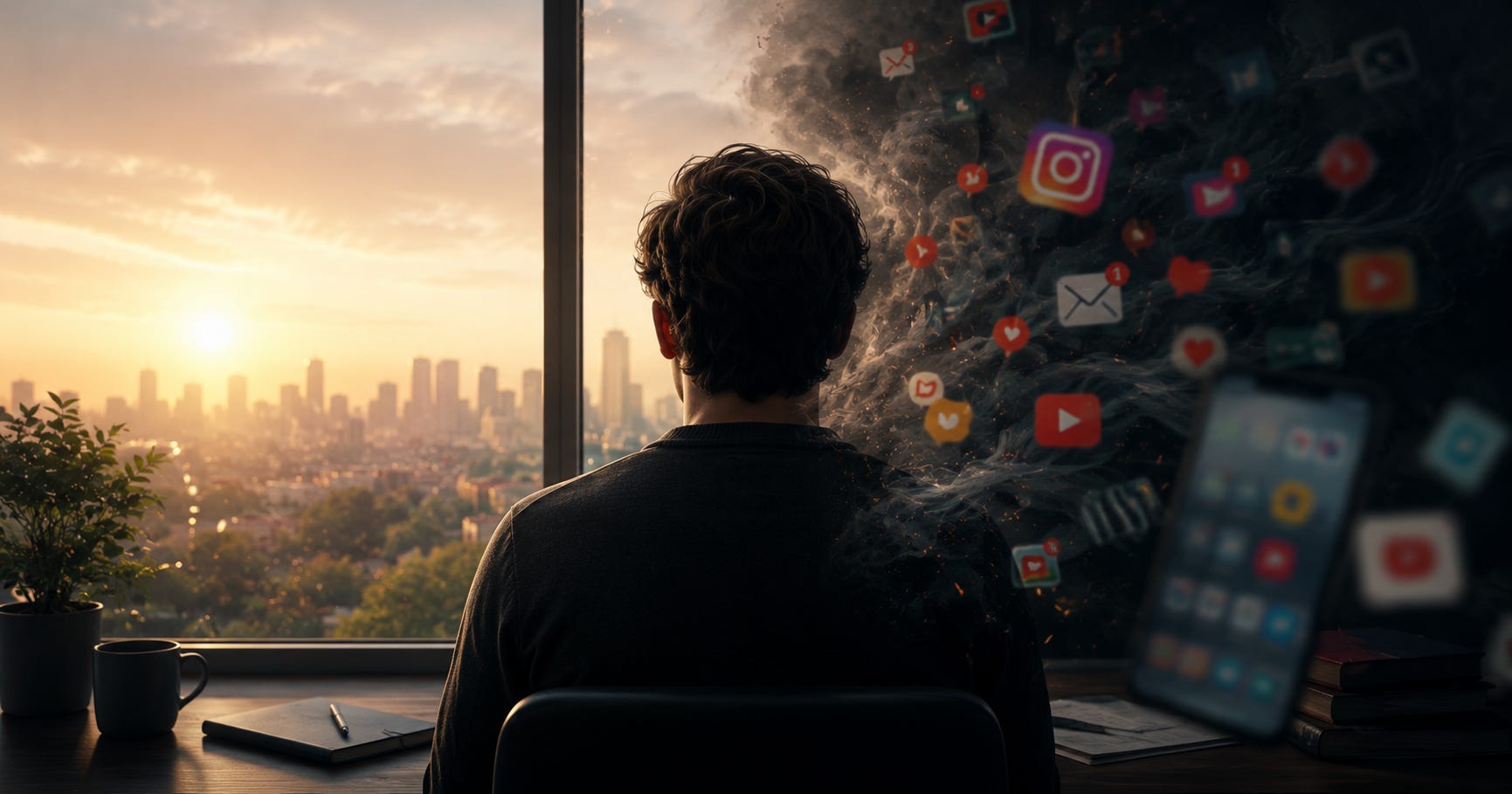
Instead of generating yet another image, it returned a one-sentence summary of the rationale of the article, and a “better concept” for the thumbnail, as a prompt waiting for my approval.
The resulting image was still a bit off…
- - Caption: Is that a tornado? Or a reverse shredding machine? but enough to inspire and trigger my artistic direction.
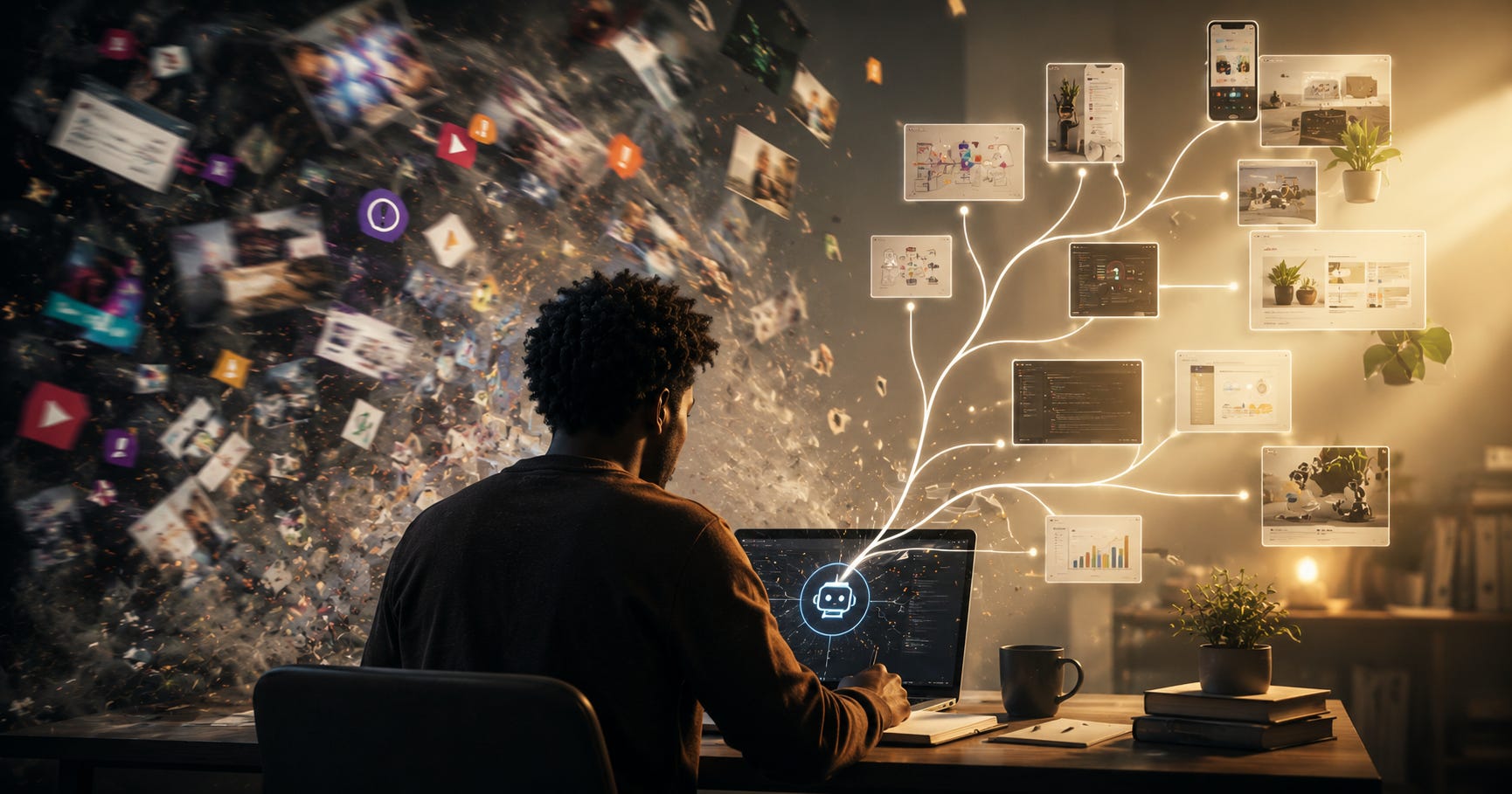
From there, I was able to express my idea of an “overwhelming feed of news and claims opposing to steady step by step progress unlocking success”.
- - Caption: Exactly what I pictured in my mind. Sure it’s a bit dark, sure it could be improved, but this is not an entry to “The 2026 Best Substack Thumbnail Contest”.
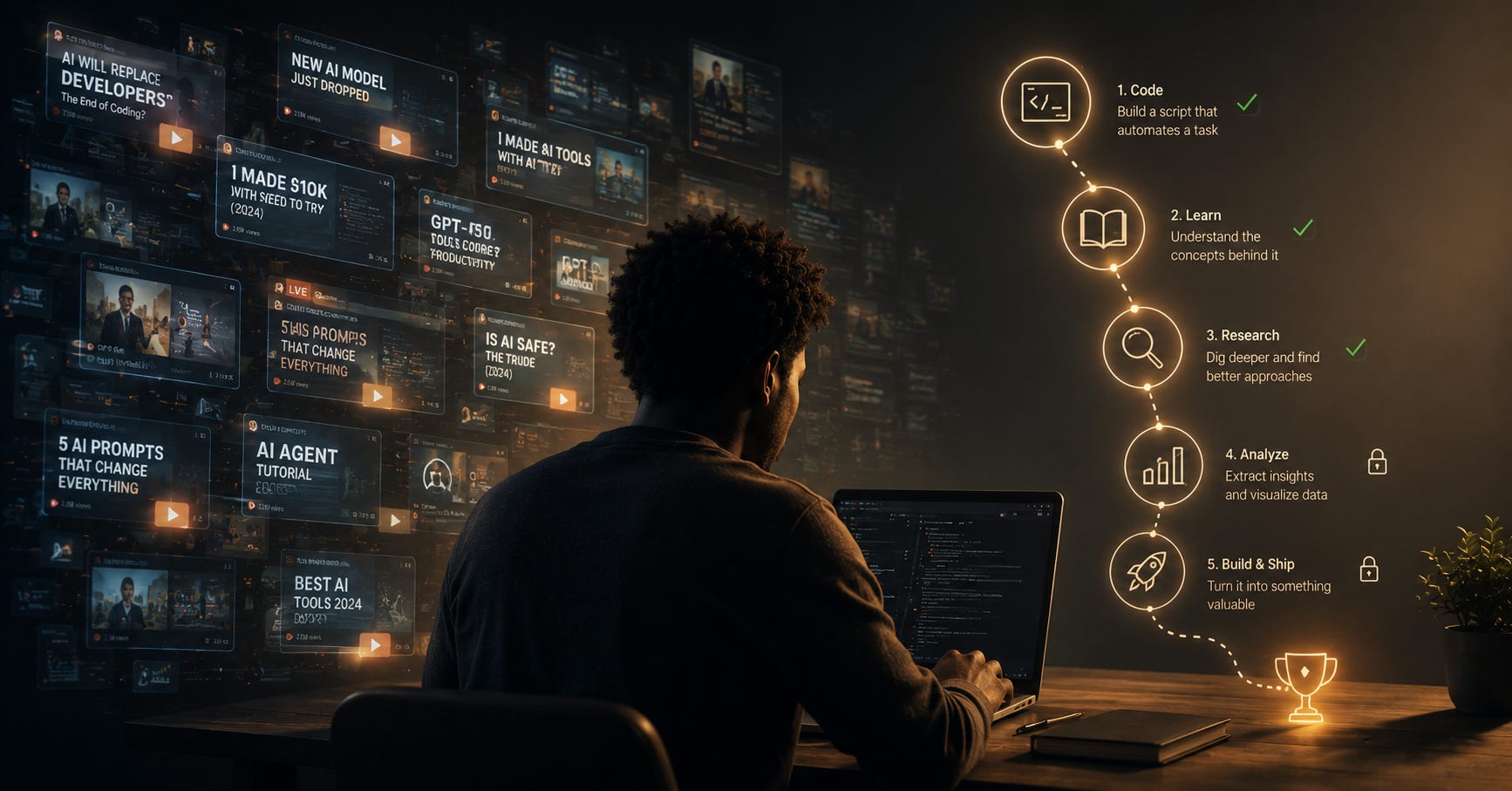
What matters: with the proper brief and context (Plan mode anyone?), you can materialize a picture of pretty much anything that’s on your mind.
This was not possible a few months ago.
Back then, to get a good looking image, you needed prompts crafted by someone sounding halfway between a photographer, a cinematographer, and a Stable Diffusion wizard: ultra wide-angle, shallow depth of field, cinematic lighting, monochrome, 35mm lens, bokeh…